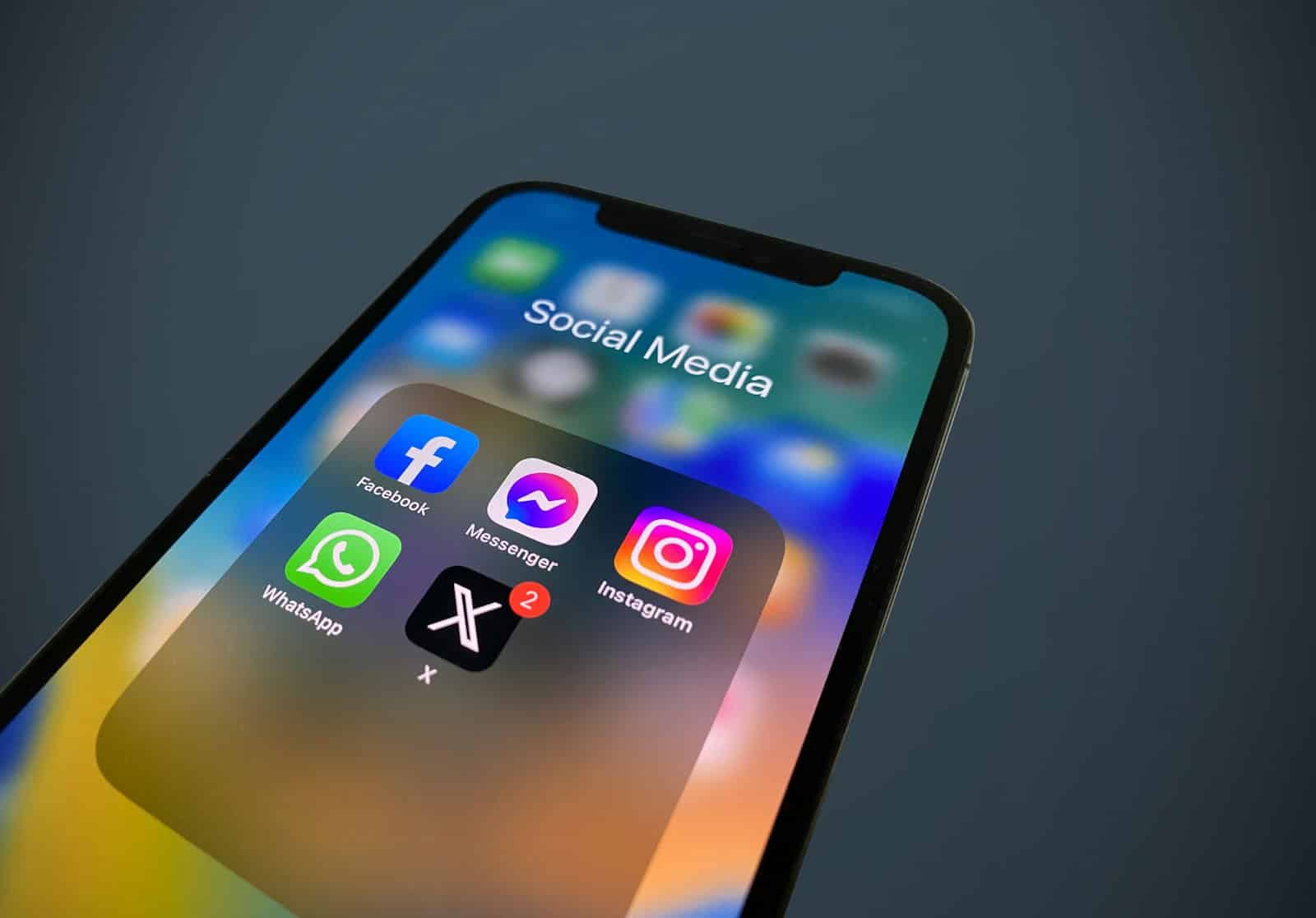
I have a complicated relationship with social media. I need it — for work, for staying connected, for the occasional piece of genuinely useful information. But left unchecked, it costs me hours I can’t account for. You open YouTube to watch one specific tutorial and forty minutes later you’re watching a video essay about a topic you’ve never thought about before and will never think about again.
That’s not an accident. These platforms are engineered to keep you there. The algorithmic feed, the autoplay, the infinite scroll — every one of those features exists because engagement drives revenue. Your attention is the product. The longer they hold it, the more they earn.
It’s exhausting in a way that’s hard to articulate. It fragments your thinking. You sit down to do real work and your brain is still half-running the dopamine loop from whatever you were scrolling twenty minutes ago. Deep focus becomes harder to reach. You get to the end of the day feeling simultaneously overstimulated and somehow bored.
I got tired of it. But I also wasn’t willing to delete everything and go offline. That’s throwing the baby out with the bathwater. The platforms themselves aren’t the problem — the dark patterns built on top of them are.
I’ve written about this before — first when I quit Facebook, then when I tried a dual-phone setup to manage the addiction. This is where I’ve landed.
You Don’t Have to Quit. You Just Have to Strip It Back.
The fix isn’t self-discipline. Willpower is finite and the product teams at these companies are very good at their jobs. The fix is removing the mechanisms entirely. Hide the feed. Block the Reels. Kill the sidebar recommendations. If the algorithmic bait isn’t visible, you can’t fall for it.
On desktop, browser extensions make this trivial. On your phone, it takes a different approach. But the principle is the same: remove the hooks, keep the utility.
On Desktop: What I Actually Use
I use a single extension called SocialFocus. It covers every major platform in one place, which is how I prefer it.
On YouTube it hides the homepage feed, sidebar recommendations, Shorts, and autoplay. You search for what you want, you watch it, you leave. On Instagram it blocks Reels and the Explore tab — the two features most designed to keep you scrolling indefinitely. On LinkedIn it strips out the feed, ads, and suggested connection spam, leaving you with just messages and your own profile management. It does similar things for Reddit, Facebook, Twitter/X, and Gmail.
The extension has over 115 individual toggles, so you can be as granular as you like. It’s free, open source, and was last updated in January 2026 — so it’s actively maintained, which matters. Some older extensions in this space have quietly broken as the platforms updated their code.
That last point is worth dwelling on. When you install an extension and rely on it, you want to know someone is still looking after it.
Desktop Alternatives, If You’d Rather Go Per-Platform
There are dedicated extensions for individual platforms if you prefer that approach. Unhook is the well-known one for YouTube. Antigram handles Instagram. Distraction Free for LinkedIn and Distraction Free Reddit do what their names suggest.
The honest downside: that’s four separate extensions to install, configure, and keep an eye on. Unhook in particular hasn’t been updated in roughly two years and some features have started breaking. Managing multiple extensions is overhead you probably don’t need when one tool already covers everything.
On Your Phone: Where It’s Harder
Desktop was the easy part. Your phone is where the real damage happens.
You can’t install browser extensions on a phone. The apps control the entire experience, and they’re optimized for one thing: keeping you inside them. Notifications pull you in. The app opens instantly. There’s no friction between “I’m bored” and “I’ve been scrolling for twenty minutes.” Your phone is always within reach, which means the temptation never stops.
Built-in screen time tools like Apple’s Screen Time sound like they should help, but they have one fatal flaw: the “Ignore Limit” button. It’s right there every time your timer runs out. You tap it without thinking. The feature is too easy to override to be useful for anyone who actually struggles with this.
One Sec: Add Friction, Not Willpower
The app that’s worked best for me on mobile is One Sec. It doesn’t block anything. Instead, it adds a pause. Every time you open a configured app, you get a breathing exercise first. A few seconds of nothing before it asks you: do you still want to open this?
It sounds too simple to work, but that’s exactly why it does. Most phone pickups are unconscious. You’re not deciding to open Instagram. Your thumb does it on autopilot. One Sec breaks that loop. The brief pause is enough for your brain to catch up and ask whether you actually need to be there.
Research with the Max Planck Institute found that this friction-based approach reduces social media use by 57% on average. That lines up with my experience. You don’t feel deprived because nothing is blocked. You just stop opening apps you didn’t really want to open.
The free version covers one app. The paid version lets you configure as many as you need.
Roots: Measure What’s Actually Happening
If you want to understand the problem before solving it, Roots takes a different angle. Instead of just tracking screen time, it measures “digital dopamine,” the quality of the time you spend on different apps. Not all screen time is equal. An hour reading long-form articles is different from an hour doom-scrolling Reels. Roots makes that distinction visible.
It’s useful as a diagnostic tool. Once you see which apps are giving you the worst return on your attention, the decision about what to cut becomes obvious.
Replacing the Feed With Something Better
Stripping out the algorithmic noise is half the equation. The other half is finding content that’s actually worth your time.
Kagi Small Web is the best thing I’ve found for this. It surfaces recently published posts from a curated list of nearly 6,000 personal blogs. No algorithms. No AI-generated content. Just people writing about things they care about, updated within the last week.
It’s the internet the way it used to feel. You browse topics you’re interested in, find a post from someone you’ve never heard of, and it’s genuinely good because it was written by a person with something to say. No engagement bait. No outrage farming. No “suggested for you” sidebar pulling you into a rabbit hole.
Kagi Small Web is free, works without an account, and the entire curated list is open source. It’s the opposite of what social media has become, and it’s a reminder that good content still exists if you know where to look.
The Platforms Won’t Fix This for You
These companies have no incentive to make their products less addictive. The attention economy is working exactly as designed — for them. The only rational response is to take back control yourself.
A browser extension on your laptop, a friction app on your phone, and a better source of content when you do want to read something. None of it requires deleting accounts or going off-grid. It just removes the parts that were designed to exploit you and leaves the parts that are actually useful.
That’s a reasonable place to start.
Related




Leave a Reply