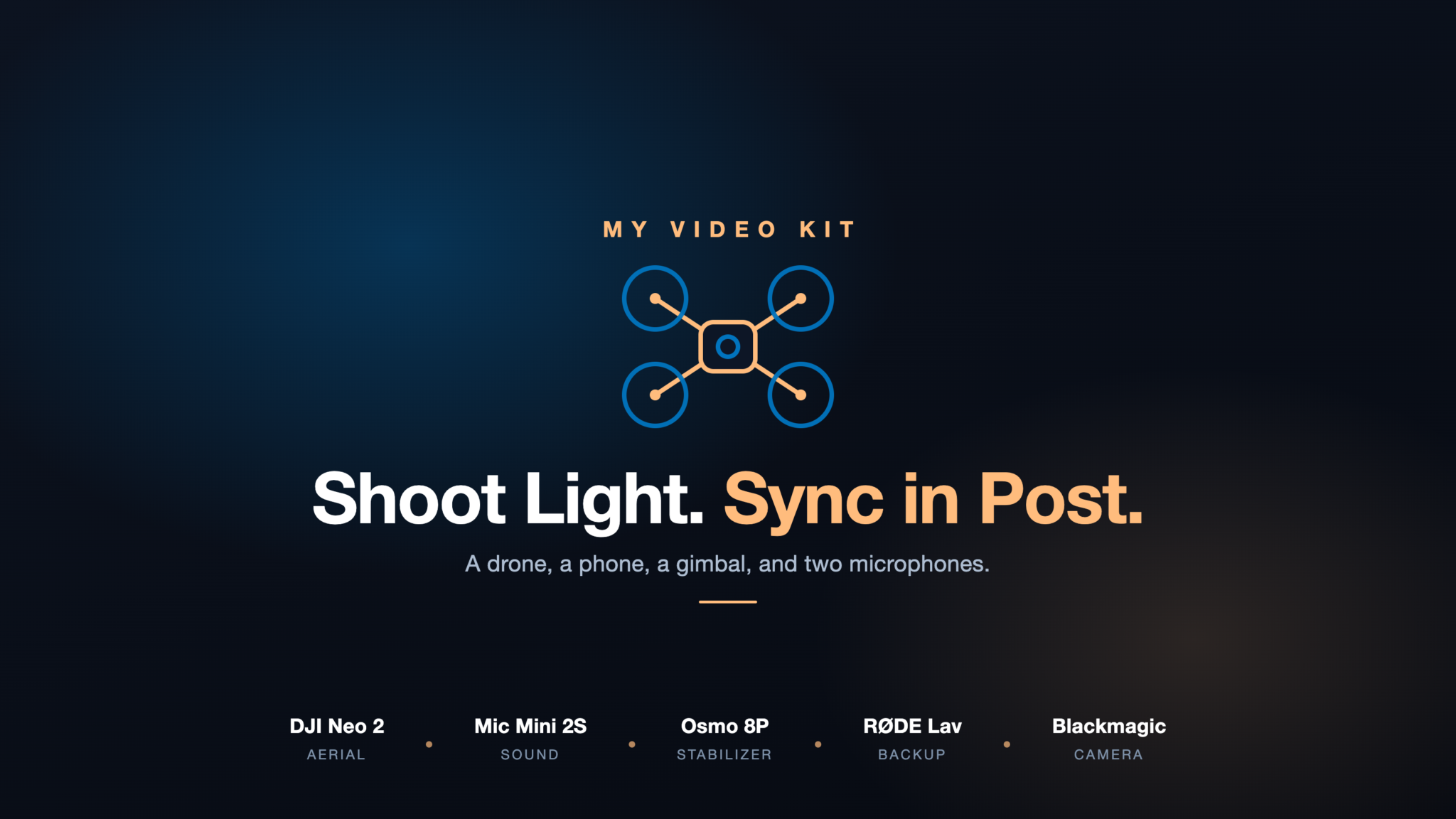
I shoot most of my video with a deliberately light kit. No cinema camera, no bag of lenses. A small drone, my iPhone, a gimbal, and a couple of microphones cover nearly everything I make, from aerial follow shots to talking-head clips. The gear list is the easy part, so I’ll move through it quickly and spend more time on how the pieces actually fit together. The workflow is where the time goes.
The Drone: DJI Neo 2
The DJI Neo 2 is the heart of the aerial side. It launches from my palm, so I don’t need a controller to get airborne, and its subject tracking holds up surprisingly well for something this small. For a follow shot of the kids running around a plaza or a slow orbit over a scene, it punches far above its size and price.
It has one real weakness, and it’s sound. The Neo 2 can embed audio into the footage during flight, but that audio is locked to a low, phone-call-grade voice channel no matter what microphone you feed it. The sound has to travel from your phone up to the drone over the control link, and that link is narrowband. So I treat the drone as picture-only and record sound separately. That’s the whole reason the rest of the audio kit exists.
The Mic: DJI Mic Mini 2S
The DJI Mic Mini 2S is what solved my audio problem. It’s tiny, it clips on without anyone noticing, and it records onto itself: onboard storage, 32-bit float, no phone in the loop at all. I clip it on, hit record on the mic, and it captures a clean full-quality track to its own memory while I fly.
32-bit float is what makes it foolproof. I can’t clip the audio and I never set a level. Whether I’m half-whispering at night or talking over wind, the take is recoverable. For run-and-gun shooting where you can’t babysit a meter, that’s the difference between usable audio and a ruined clip. Afterward I plug the transmitter into the Mac over USB-C and copy the WAV off it, the same way I pull footage and photos off the iPhone, then line it up to the drone footage in editing.
The App That Makes It Work: RØDE Reporter
There’s a wrinkle on iPhone: only one app can hold the microphone at a time. The moment DJI’s flight app starts recording, every normal recorder app on the phone stops dead. I went through a pile of them. Voice Memos quits the instant the drone app takes over.
RØDE Reporter is the only iOS app I found that keeps recording in the background while the flight app runs. It holds the mic’s input while the drone app does its thing, so I get the audio captured on my phone alongside the flight instead of fighting the operating system. With the Mic Mini 2S recording onboard as well, I end up with two clean copies, which I’m not mad about.
The Backup Mic: RØDE Lavalier
I keep a wired RØDE lavalier in my bag as the grab-and-go. It’s there for the moments the Mic Mini isn’t, when I want to capture something quickly and I’ve left the wireless set at home, or I forgot to charge it. It plugs straight in, there’s nothing to pair or power, and it’s saved a few clips that would otherwise have had unusable sound. It’s not glamorous, but a backup that needs no battery is exactly what a backup should be.
Stabilization: DJI Osmo Mobile 8P
For anything handheld off the phone, the DJI Osmo Mobile 8P does the stabilizing. It’s the gimbal with the built-in extension rod and tripod base, so it folds out into a stand for talking to camera and extends for higher or selfie-style angles without extra kit. On iPhone it taps into Apple’s DockKit, so subject tracking works inside the native camera too, not just DJI’s own app. For walk-and-talk and locked-off pieces it’s the one accessory I reach for every time.
Recording Off the iPhone: Blackmagic Camera
When the phone is the camera, I record in Blackmagic Camera rather than the stock app. It’s free, and it hands you proper controls: shutter angle, ISO, white balance, frame rate, and a clean image to grade later. The native camera is fine for a snapshot, but for anything I’m going to edit, having manual control at capture saves a lot of grief down the line.
How It All Fits Together
The logic is simple once it clicks. The Neo 2 is the aerial camera. The iPhone on the Osmo 8P is the ground camera. The Mic Mini 2S is the sound, recording itself so it never depends on whichever camera I’m using, and RØDE Reporter or the lavalier covers the edge cases. Picture and sound are captured separately and married in editing, which sounds like more work but is actually less, because each piece does one job well instead of one device doing everything badly.
It’s a phone-centric kit by design. Light enough to carry without thinking about it, and cheap enough that I’m not precious with it. When I hit a limit, it’s my own editing, not the gear. If you’re starting out and tempted by a big camera, I’d point you here first. Once the kit is sorted, the harder part is a content workflow that actually ships. You’ll make more, and better, with less.
Related





Leave a Reply