I run WordPress headless in production, and speed, the reason people usually reach for it, is the weakest one on the list.
The pitch is familiar: decouple WordPress from its theme, put a fast JavaScript front end in front, and the site gets quicker. That mostly doesn’t survive contact with a cache. What headless is actually good for is a different and longer list, and it’s worth knowing before you take on the extra moving parts.
Speed Doesn’t Survive a Cache
Start with a normal WordPress page. A visitor arrives, WordPress runs its PHP, queries the database, builds the HTML, and sends it back. One round trip to your server.
The headless version adds a step. A visitor hits the front end, which calls WordPress over its API, WordPress still runs the same PHP and database work to produce the data, sends it back, and the front end then builds the page. That’s an extra hop, and WordPress is doing the same slow work either way.
The speed people quote comes from caching. Once the front end caches the result at the edge, most visitors get a ready-made copy from a data center near them and your server barely gets touched. That’s real, but the cache earns it, and you can put the same cache in front of plain WordPress. A full-page cache plugin, or Cloudflare in front of the whole site, serves static HTML from the edge too. Cache both sides and the gap closes. The comparison people make usually pits an uncached WordPress site against a cached headless one, which was never a fair fight.
So if a fast content site is all you want, cache WordPress and stop there. Reaching for headless to get speed is effort spent on a problem you’d already solved.
What Headless Actually Buys You
The biggest reason is the one I almost skipped: the front end stops being WordPress’s problem. Go headless and you build the interface in React, Vue, Svelte, or Astro, with components, a real build pipeline, TypeScript, and git-based deploys. You’re out of PHP templating and the theme system. For a front-end team that already lives in that world, that’s the whole case on its own. WordPress keeps doing the editing and storage it’s good at, and nobody fights a theme to ship a modern interface.
Then one pile of content can feed many places. The same WordPress articles can serve a website, an iOS app, an Android app, a partner’s site, and a screen in a shop window, all from the same API. A coupled theme can only ever be a website. Headless turns your content into something any number of front ends can pull from.
That opens the door to composition, which is where it gets genuinely useful. WordPress becomes one ingredient instead of the whole meal. The padel platform I’m building at padelvida.com runs WordPress headless for the articles, an Astro static front end for speed, and a Cloudflare Worker with its own database for live scores and rankings. Three different sources, one site, each doing the job it’s best at. You can’t compose like that when WordPress owns the front end.
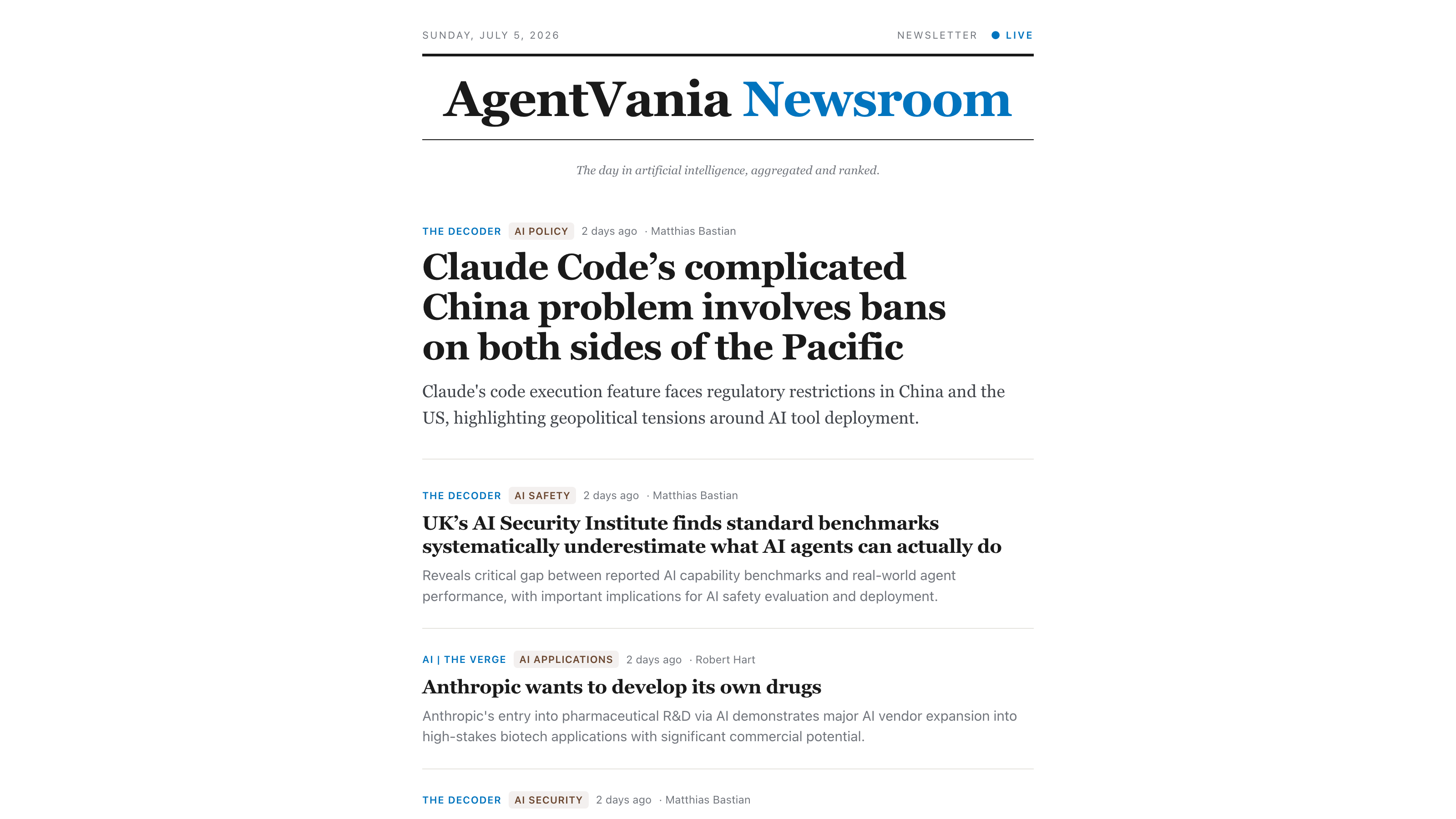
Sometimes WordPress isn’t even feeding a website. In my agentvania-newsroom project it’s a hidden engine: it ingests AI-news feeds, filters and stores them, and a small plugin turns them into a curated daily digest that a Cloudflare Worker serves as a custom page. The public product is something WordPress doesn’t produce natively, so headless is the only way to build it.
The Situational Wins
Performance comes back here, but the honest version. Caching evens out plain HTML delivery. What headless adds on top is control over the modern delivery stack: static generation, edge rendering, partial hydration, image pipelines, a JavaScript budget you actually manage. That matters for an interactive or app-like front end. For a plain blog it’s control you won’t use.
Scale and cost follow from the same split. A CDN serves millions of visitors while WordPress sits on a small box that only editors and the build process ever touch. Traffic spikes land on the edge, and your origin stays calm and cheap.
Teams separate cleanly too. Front-end developers and content editors work on their own cadences. A front-end deploy doesn’t touch WordPress, and a content edit doesn’t trigger a front-end deploy. On a busy project that removes a lot of friction by itself.
The Bonus, and When to Skip the Whole Thing
Security is real but it’s a bonus, not a reason to start. Because the public only ever talks to the front end, you can wall WordPress off completely. I did exactly that yesterday: put the whole box behind an auth wall so every public address on it returns unauthorized, while the site kept loading because the front end fetches server-side. Nice to have, not why you’d take the project on. Same goes for modernizing the front end without leaving WordPress, so you keep years of content and the editor experience and swap only the interface.
And plenty of the time you shouldn’t go headless at all. If WordPress is the site and you just want it fast, cache it and stop. You’ll keep previews, plugins, forms, comments, and the “it just works” simplicity that headless makes you rebuild by hand. Paying for all that in moving parts to shave milliseconds off a blog is a bad trade.
The Honest Test
Does the front end need to be more than WordPress can be? A modern app-like interface, several destinations for one content source, or a mix of WordPress and other services in one product. If yes, headless earns its keep, and speed is the least of what you get. If no, a cached theme will serve you better for less.
Anyone pitching headless on speed alone hasn’t made the real case. The real case is what the front end can become once WordPress isn’t the thing running it.
Related






Leave a Reply